First run
Onboarding
The welcome card that starts the guided walkthrough. Open it from Replay walkthrough in the command palette or Settings → About → Replay the welcome walkthrough.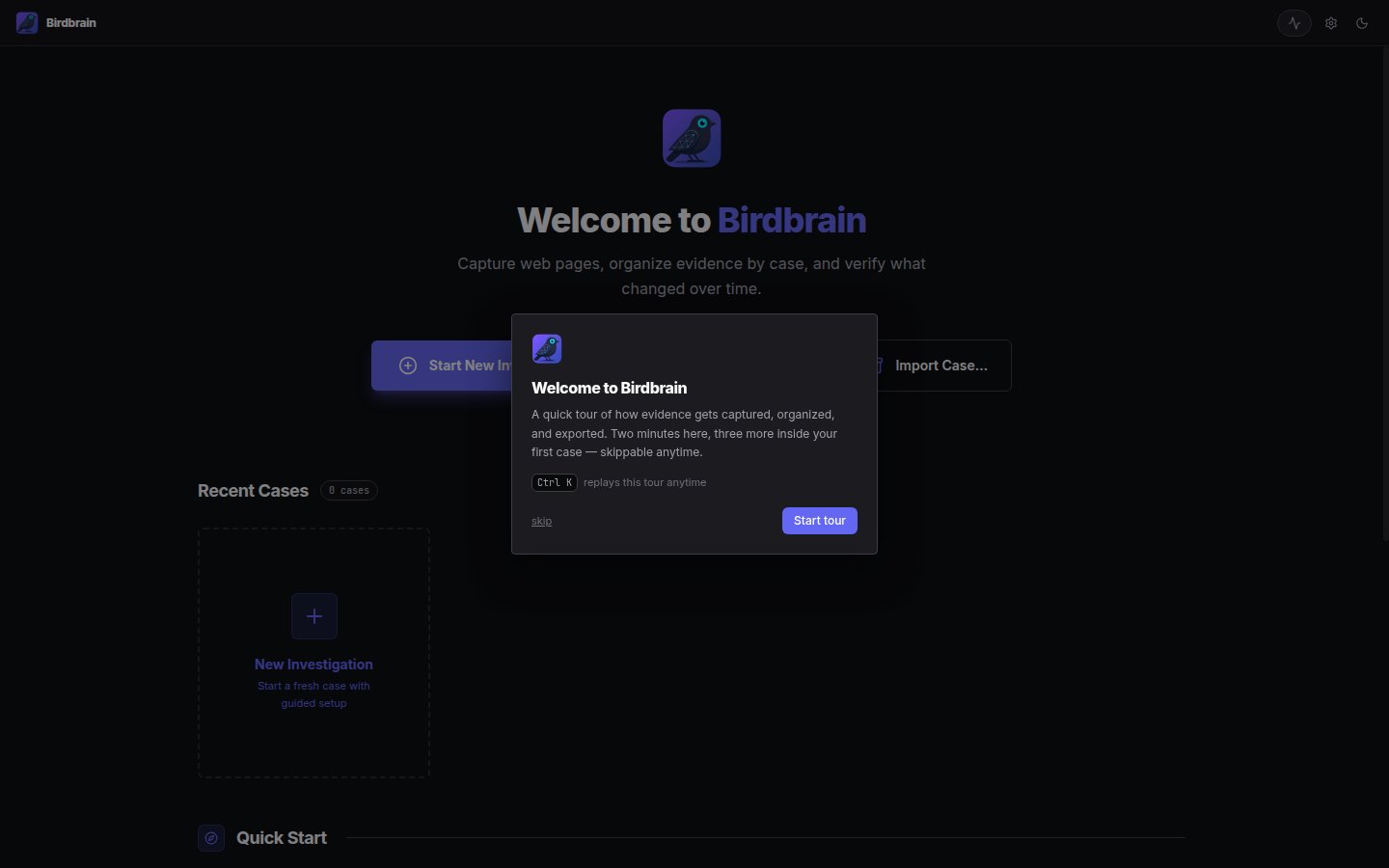
Dashboard (empty)
The launch screen before any case exists.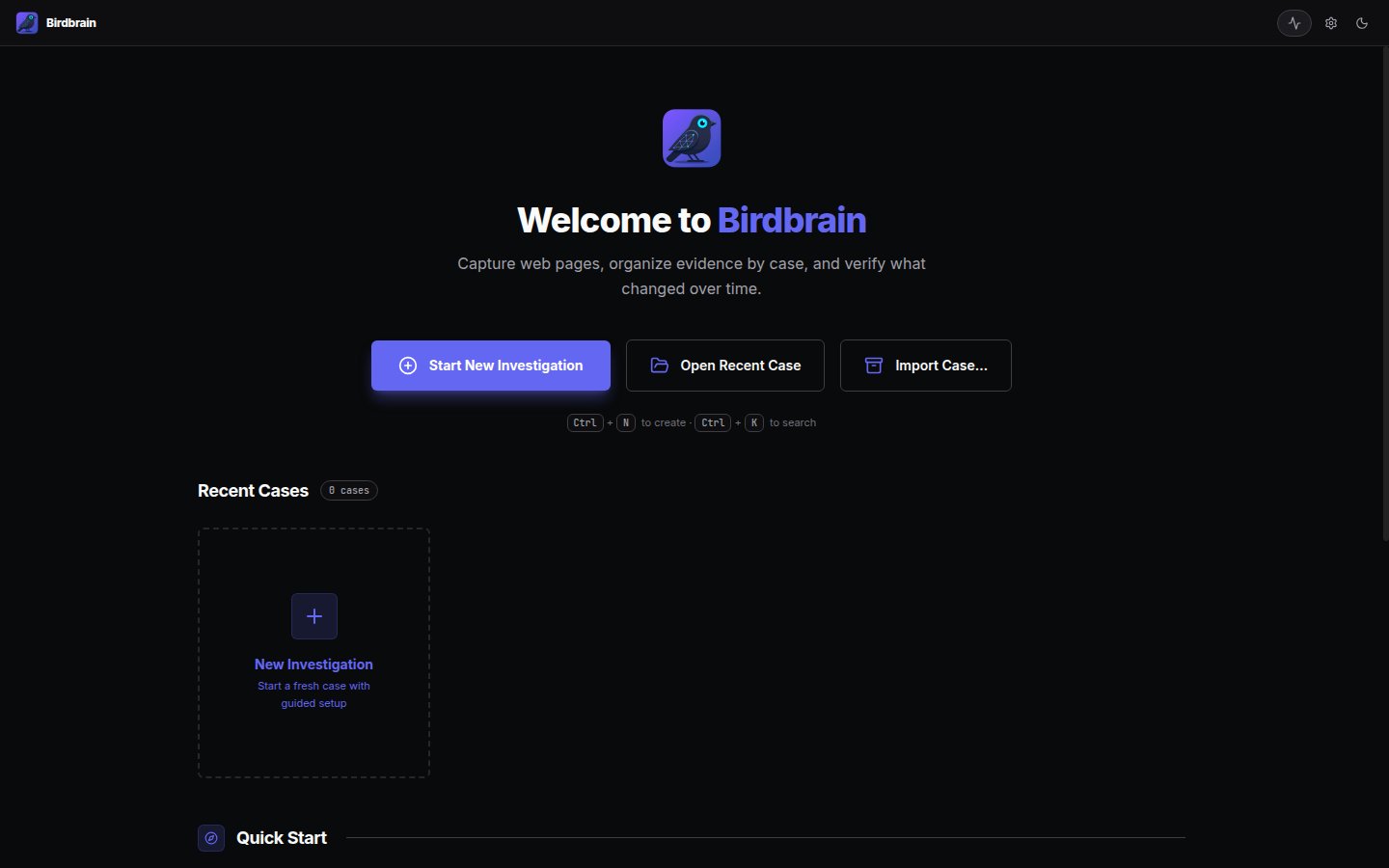
Extension install walkthrough
The walkthrough’s extension chapter, with the three steps for loading the unpacked Chrome extension expanded.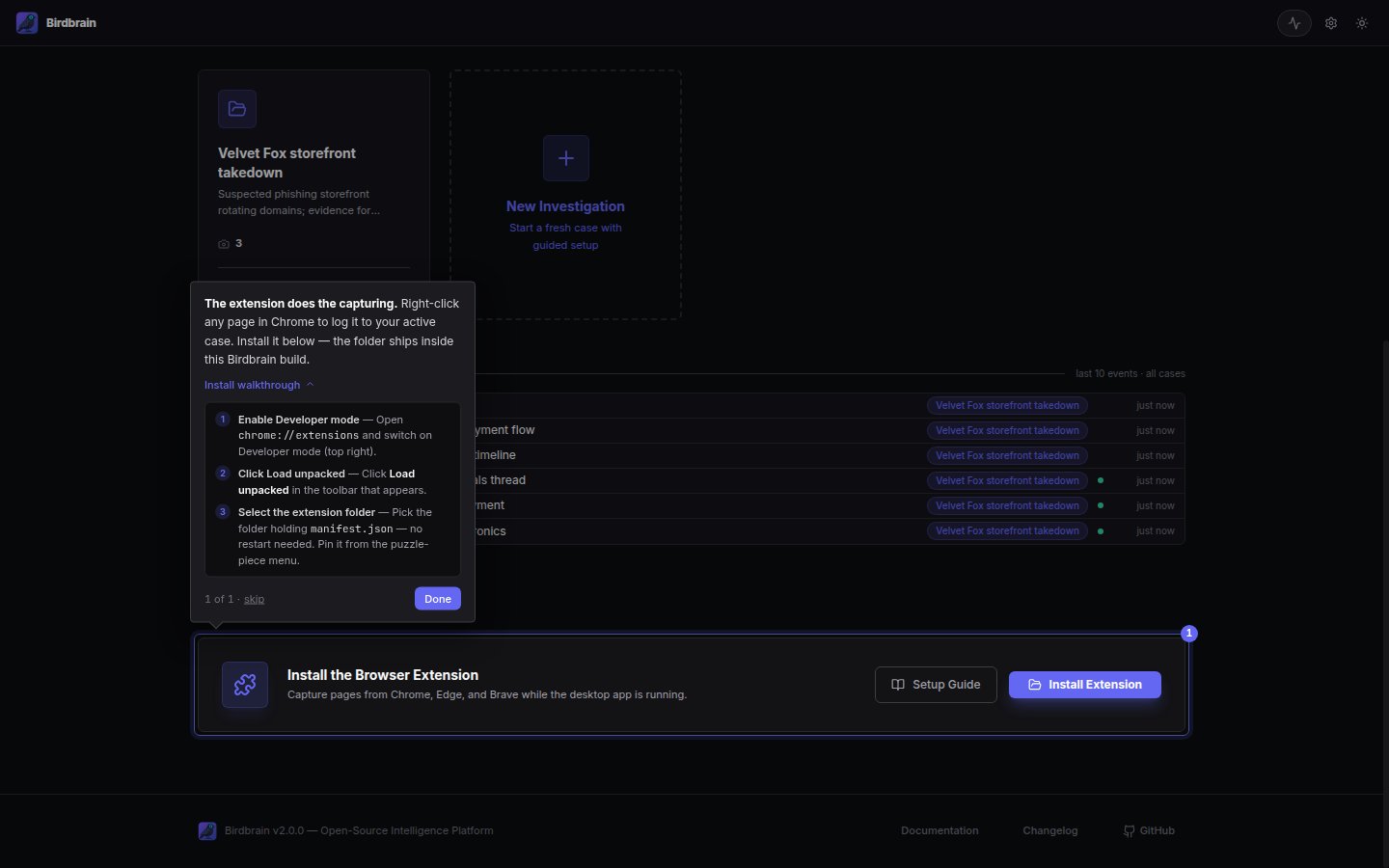
Working a case
Dashboard
Recent cases with capture counts.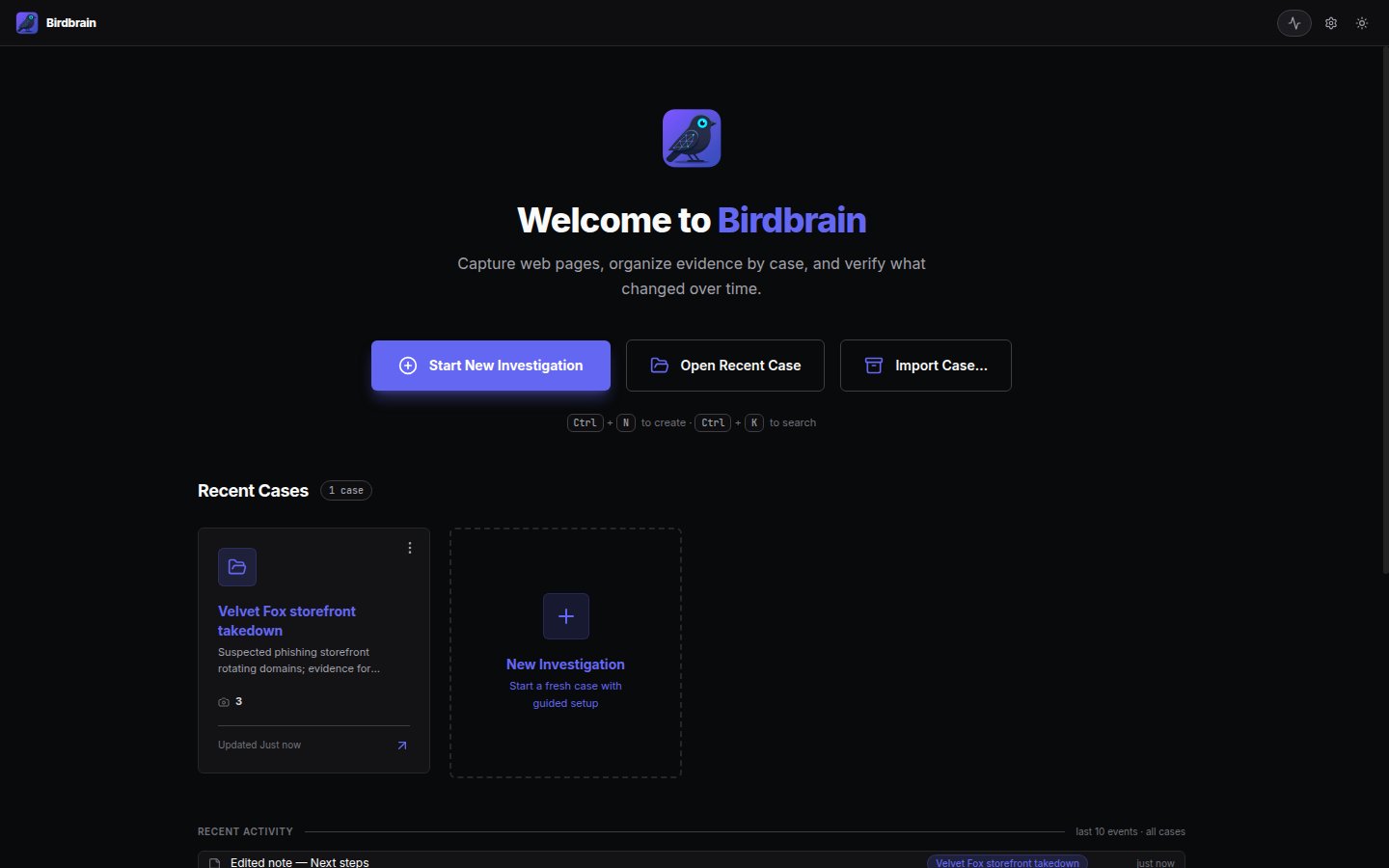
New case wizard
Case details plus starter selector presets for email addresses, crypto addresses, IP addresses, domain names, phone numbers, and usernames.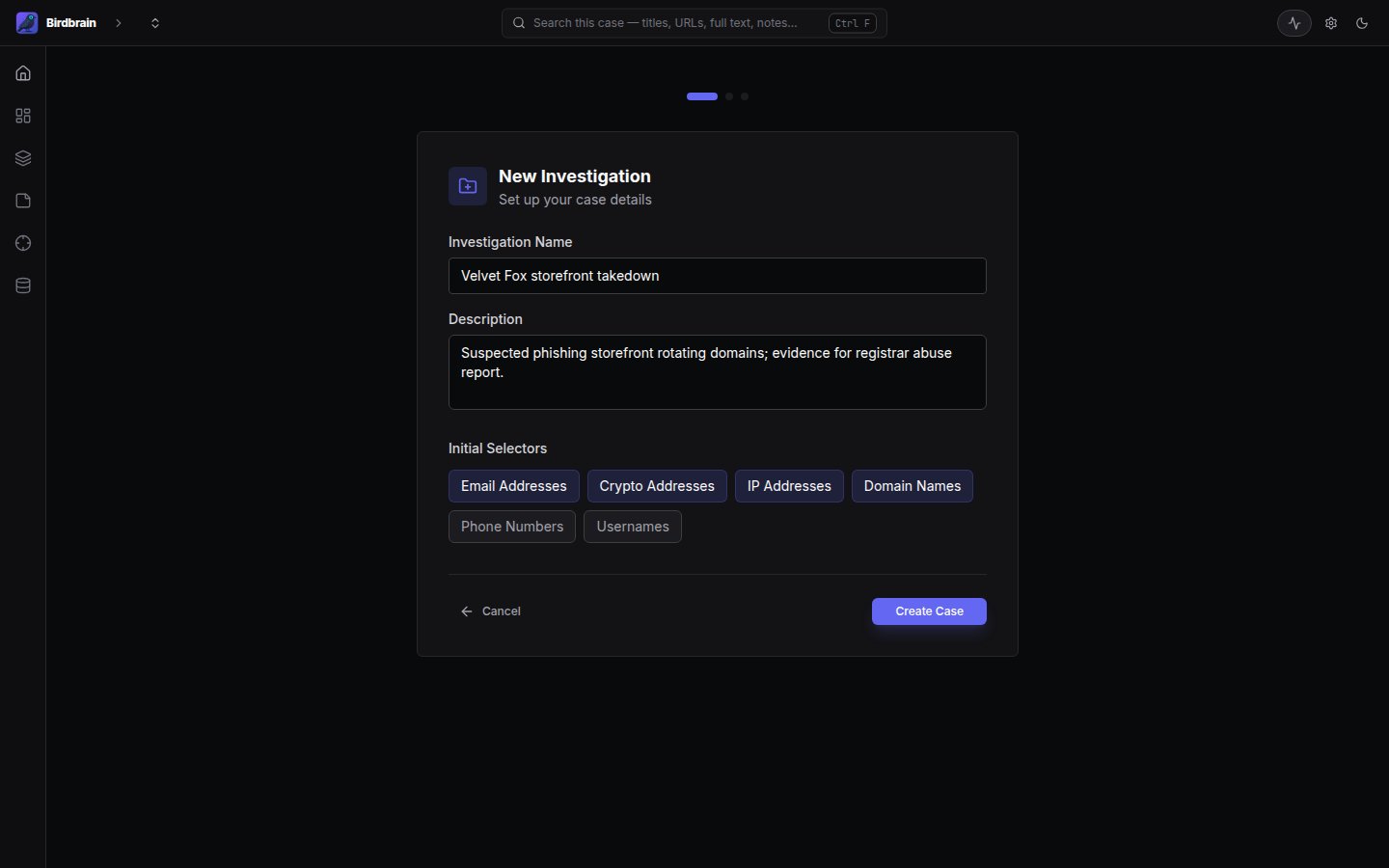
Case overview
Since-last-visit deltas, capture activity, top sources, and evidence integrity at a glance.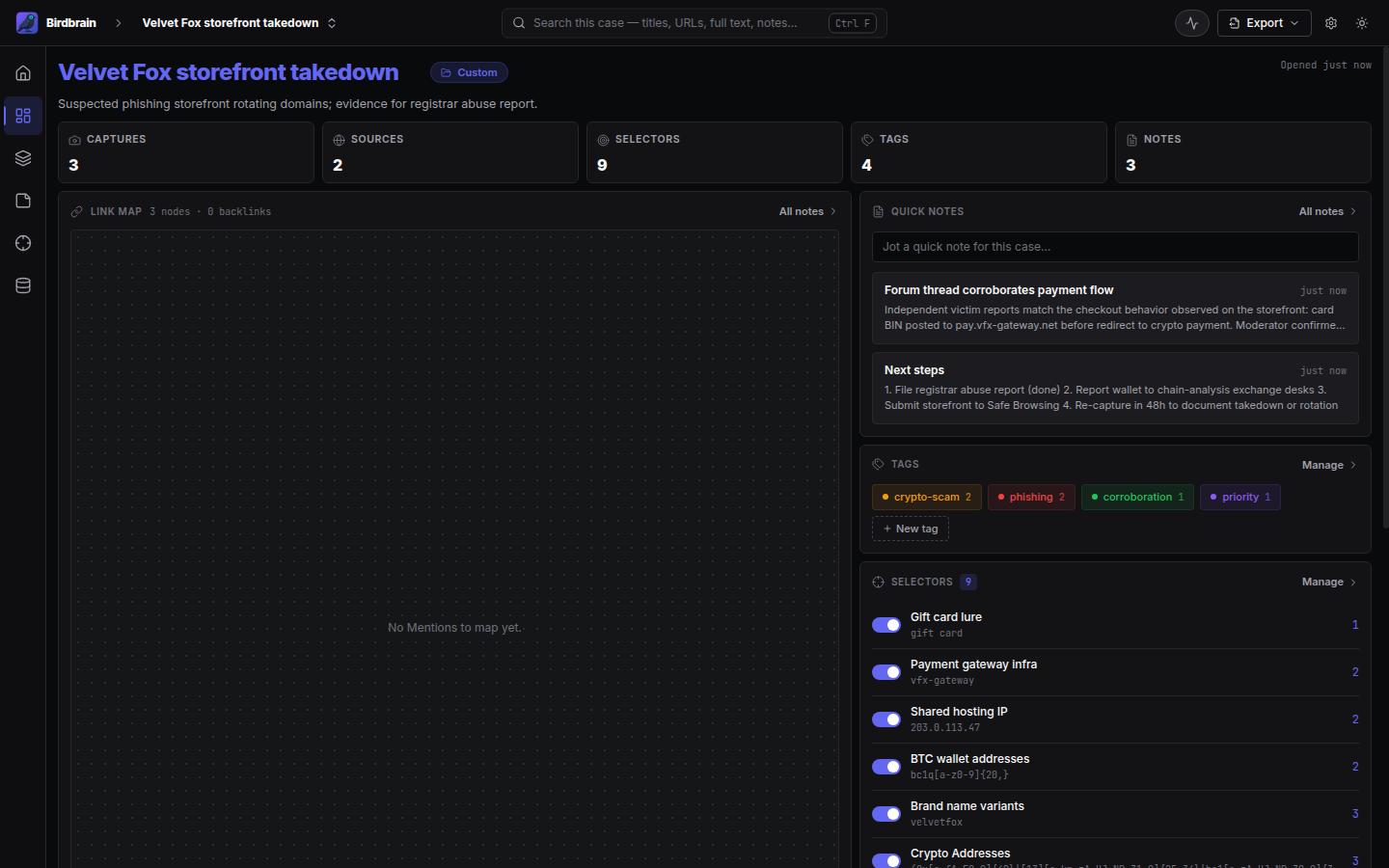
Captures workspace
Capture list, rendered evidence, and the chain-of-custody inspector side by side.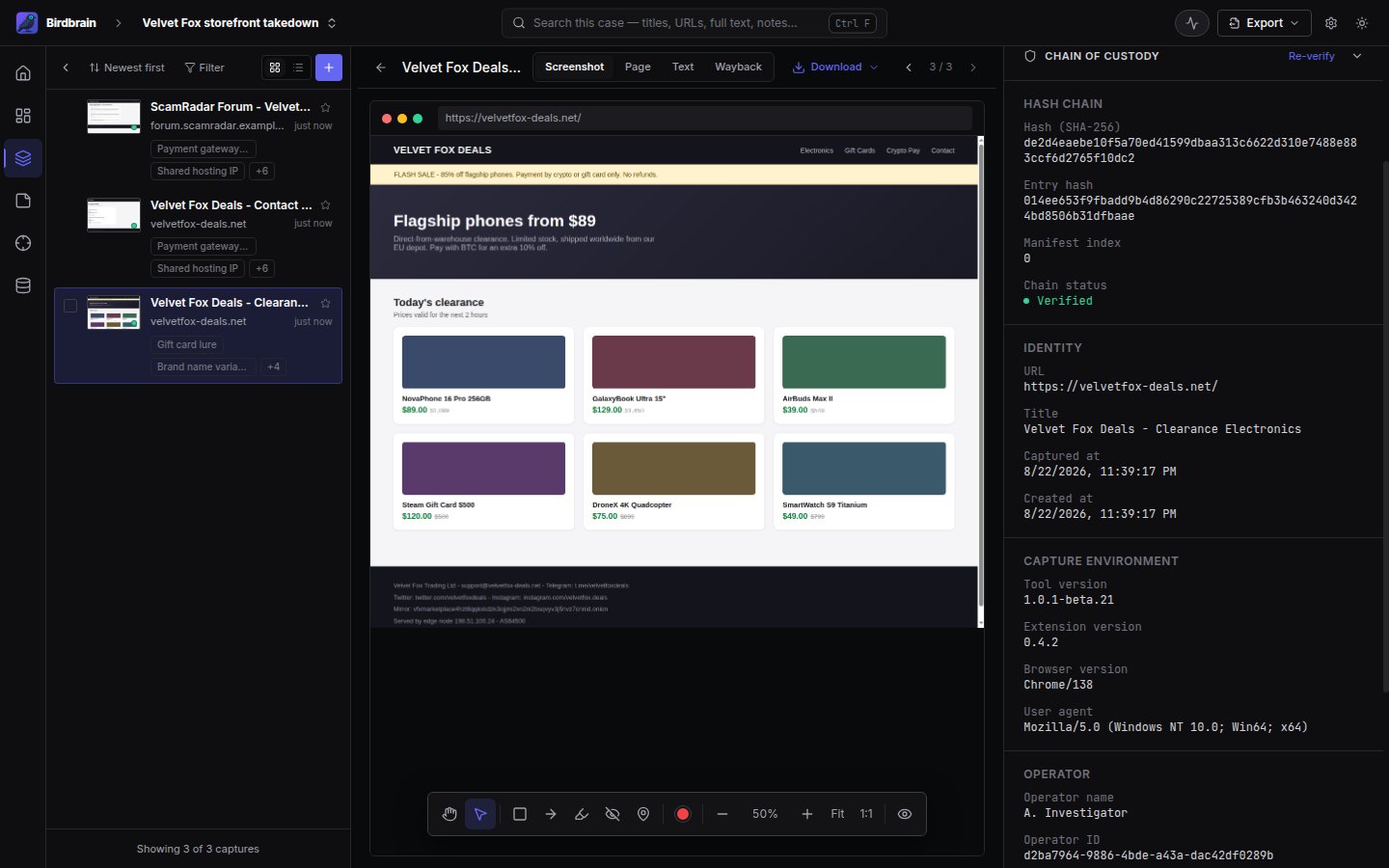
Annotation editor
Shapes and pinned comments on capture screenshots; burned into exports.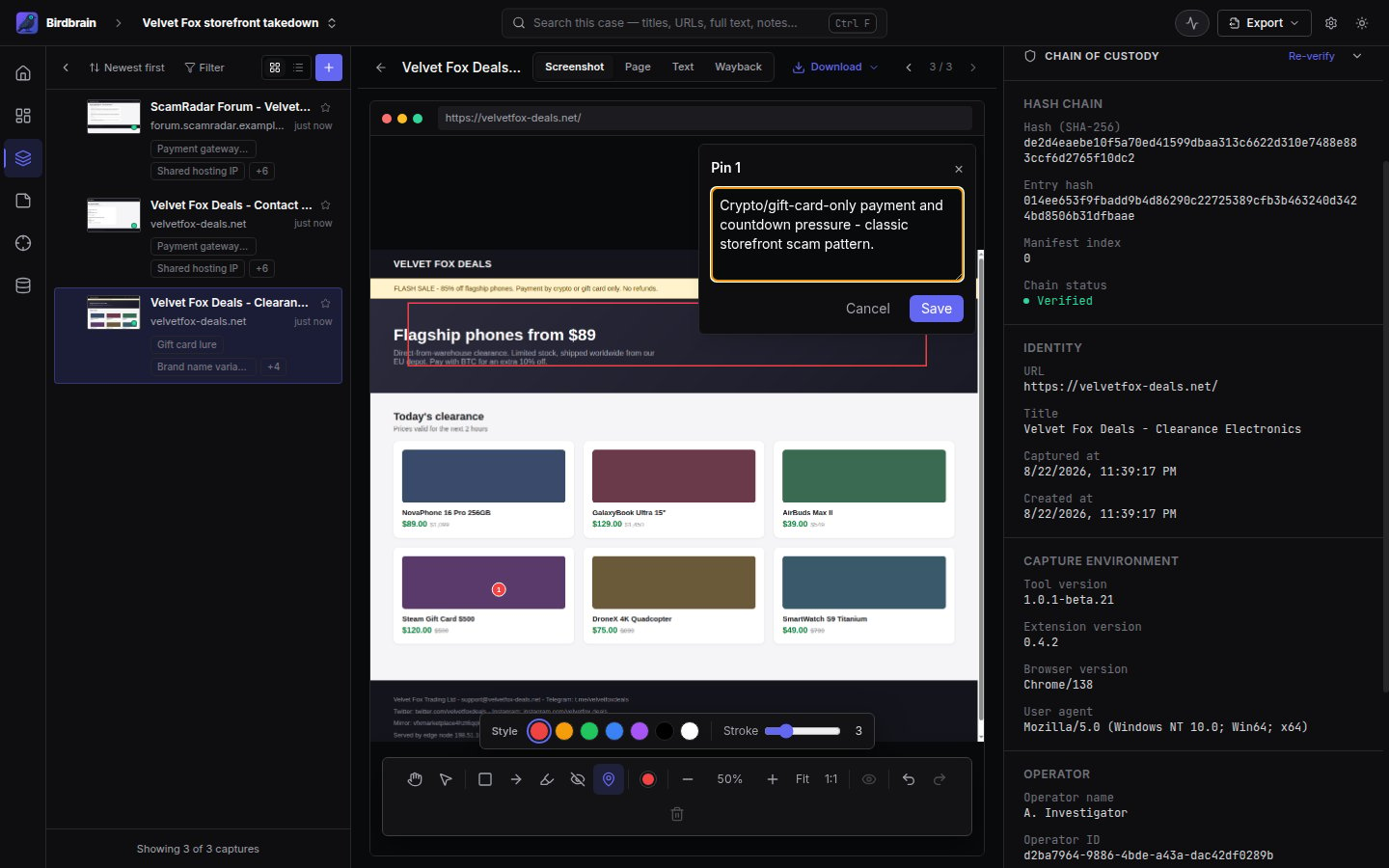
Chain-of-custody verification
The per-case manifest hash chain (SHA-256, previous/entry hash, manifest index) checked in the app.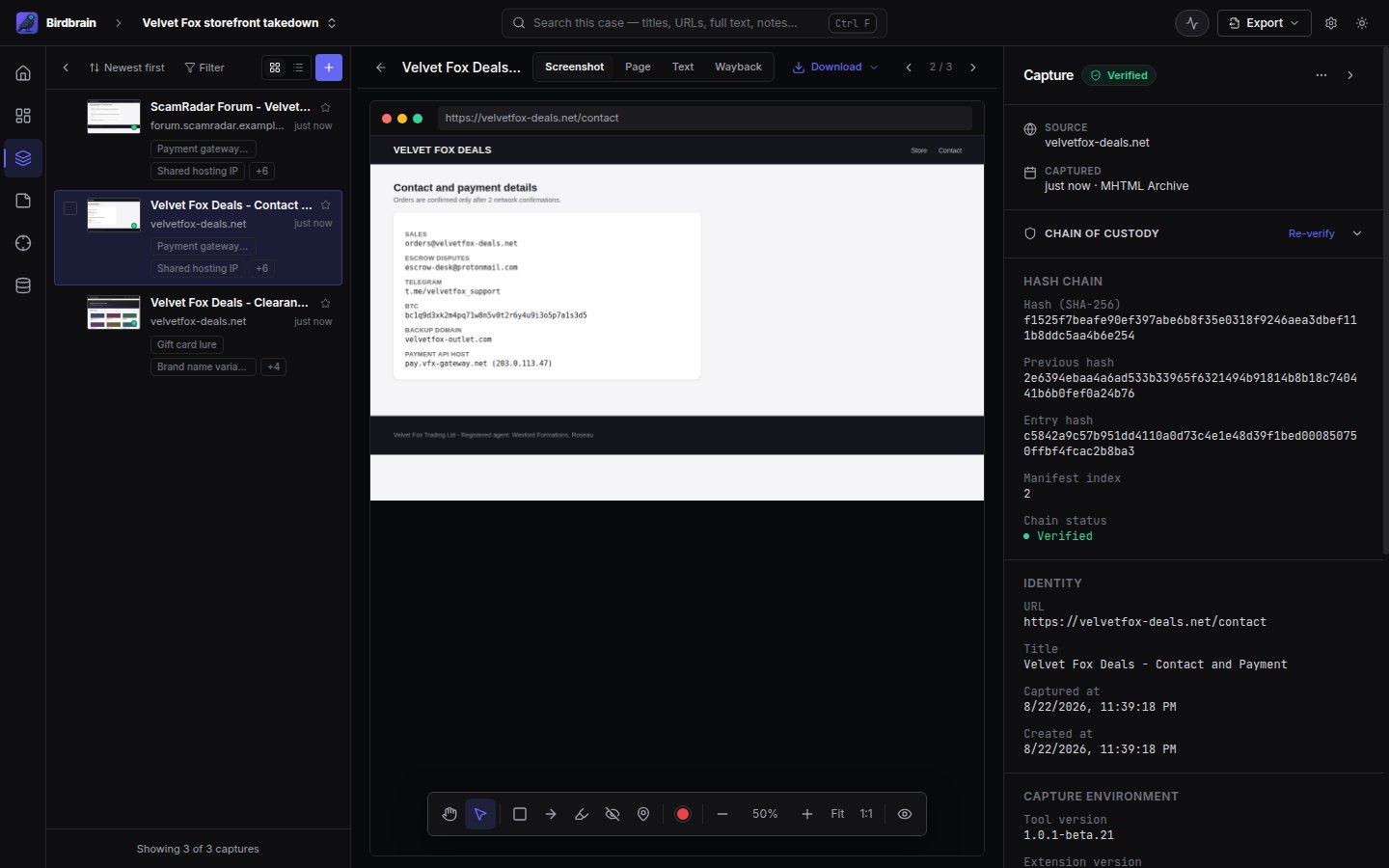
Analysis
Data explorer (recon)
Accounts, infrastructure, and tracking codes extracted automatically from captures. Each indicator lists the URLs of the pages it appeared on, and clicking one opens the live page in your browser.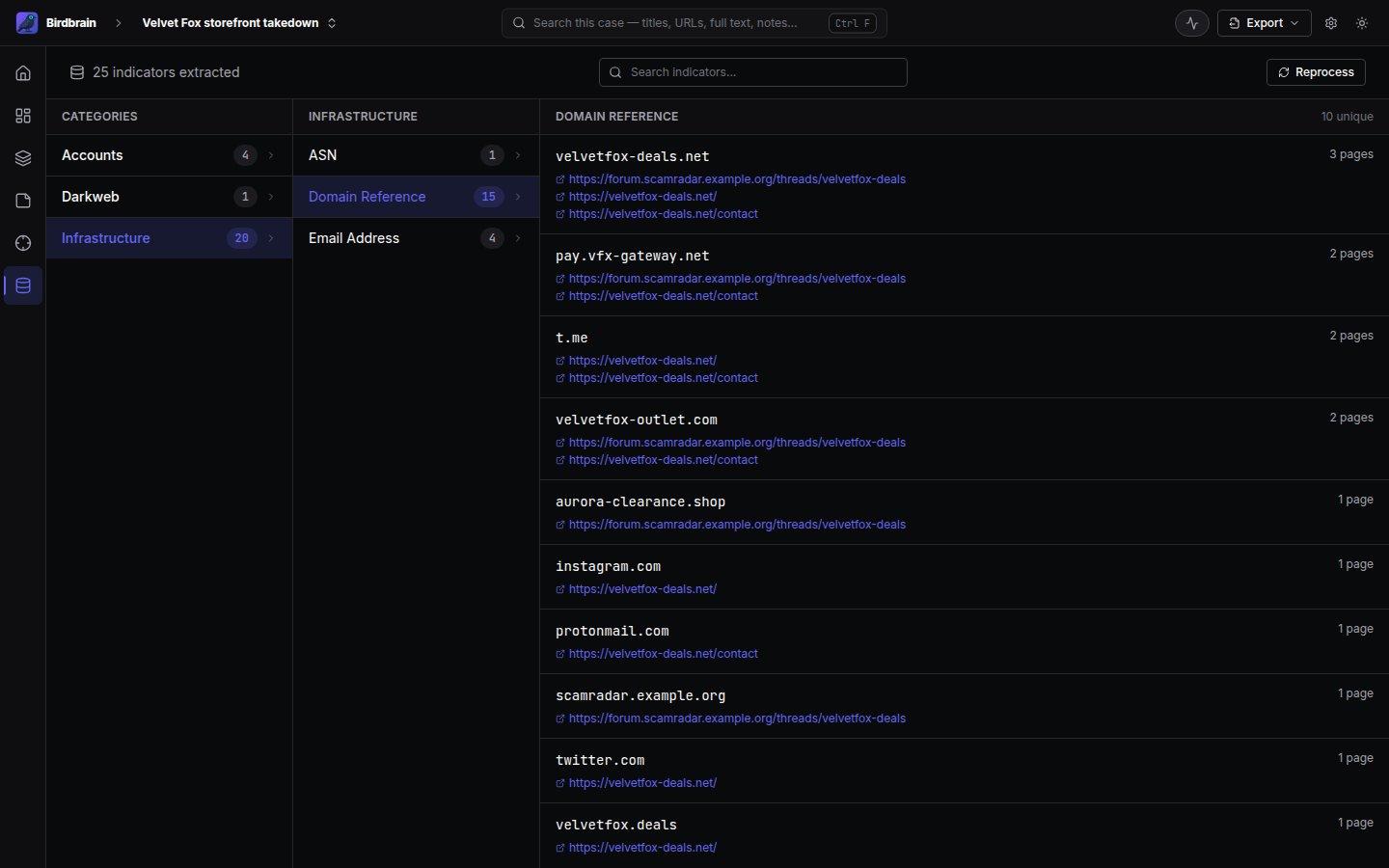
Signals
Everything the case is watching for on one screen: selector patterns and tags together, with match counts and coverage across the most recent captures.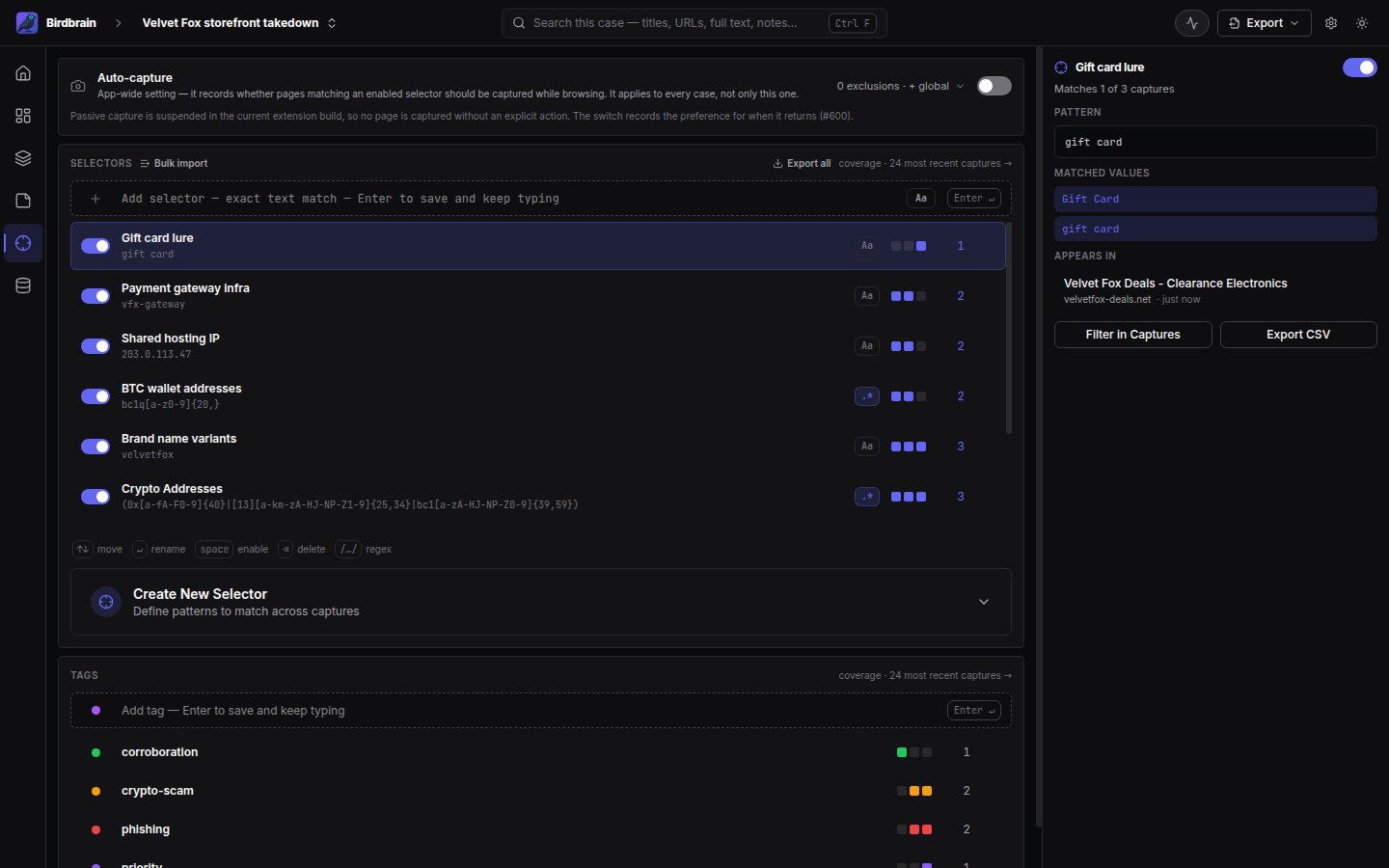
Notes
Case and per-capture notes with source links.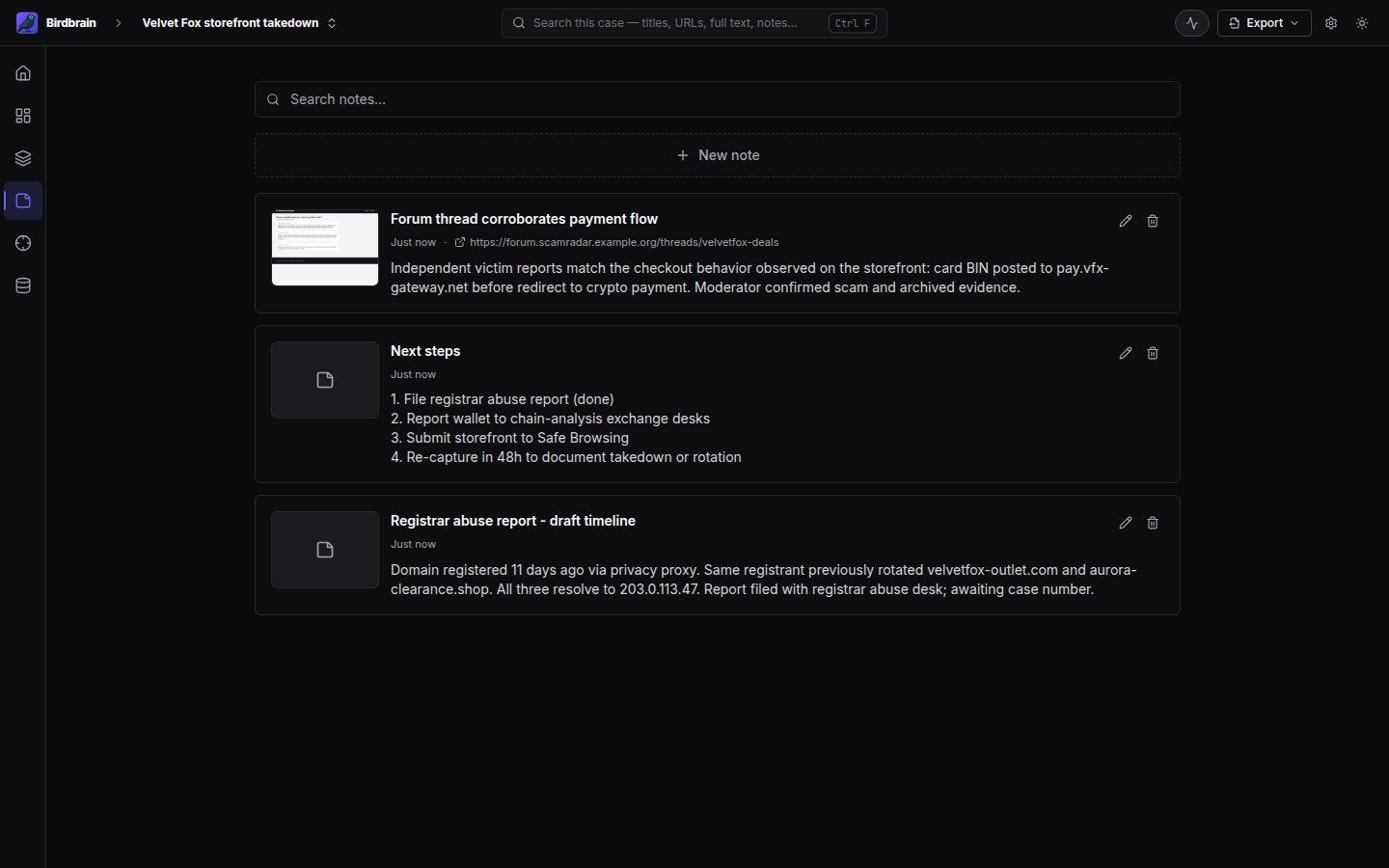
Everything else
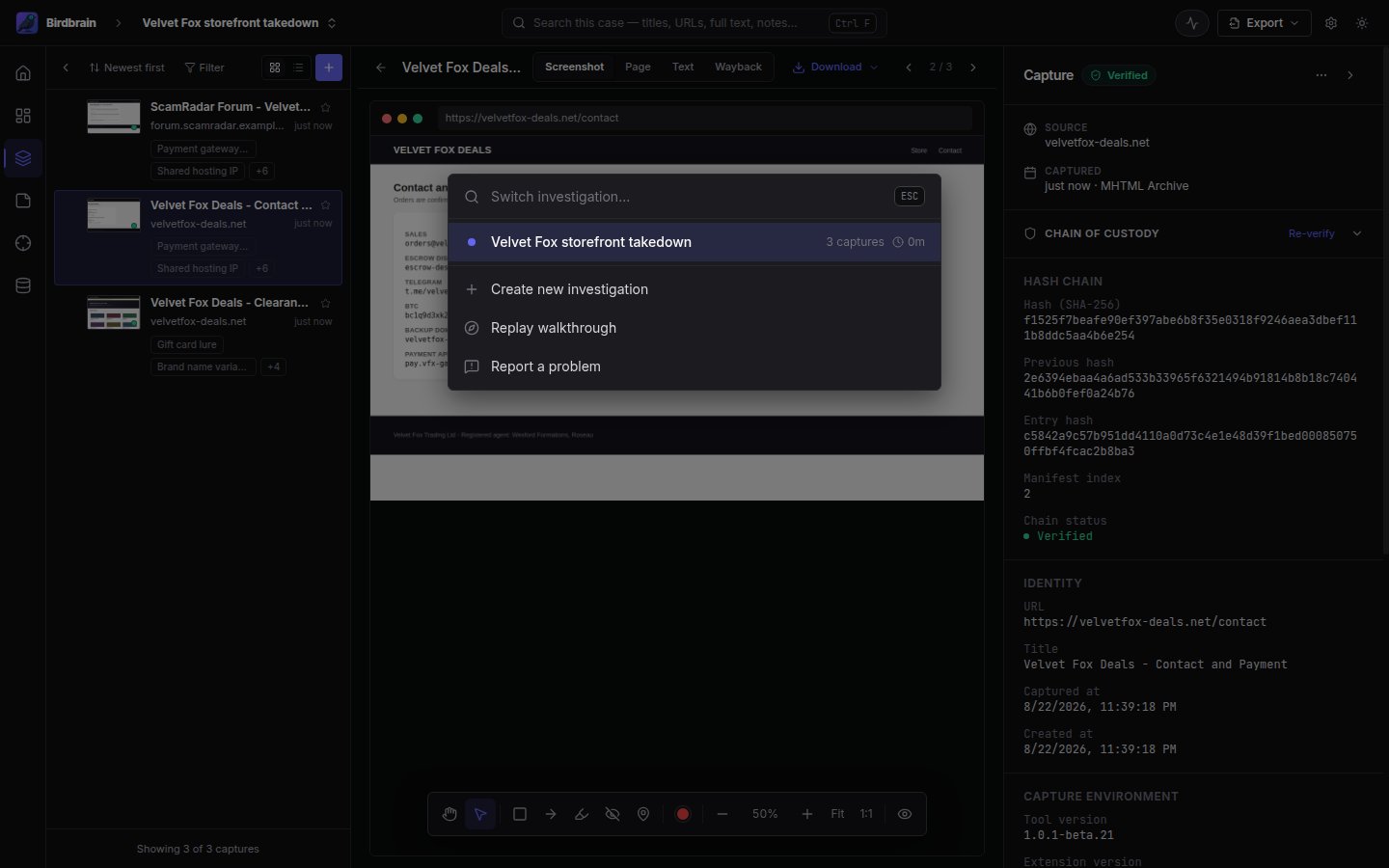
Command palette
PressCtrl+K to switch cases or create a new one from anywhere.
Export dialog
Choose what the evidence report includes.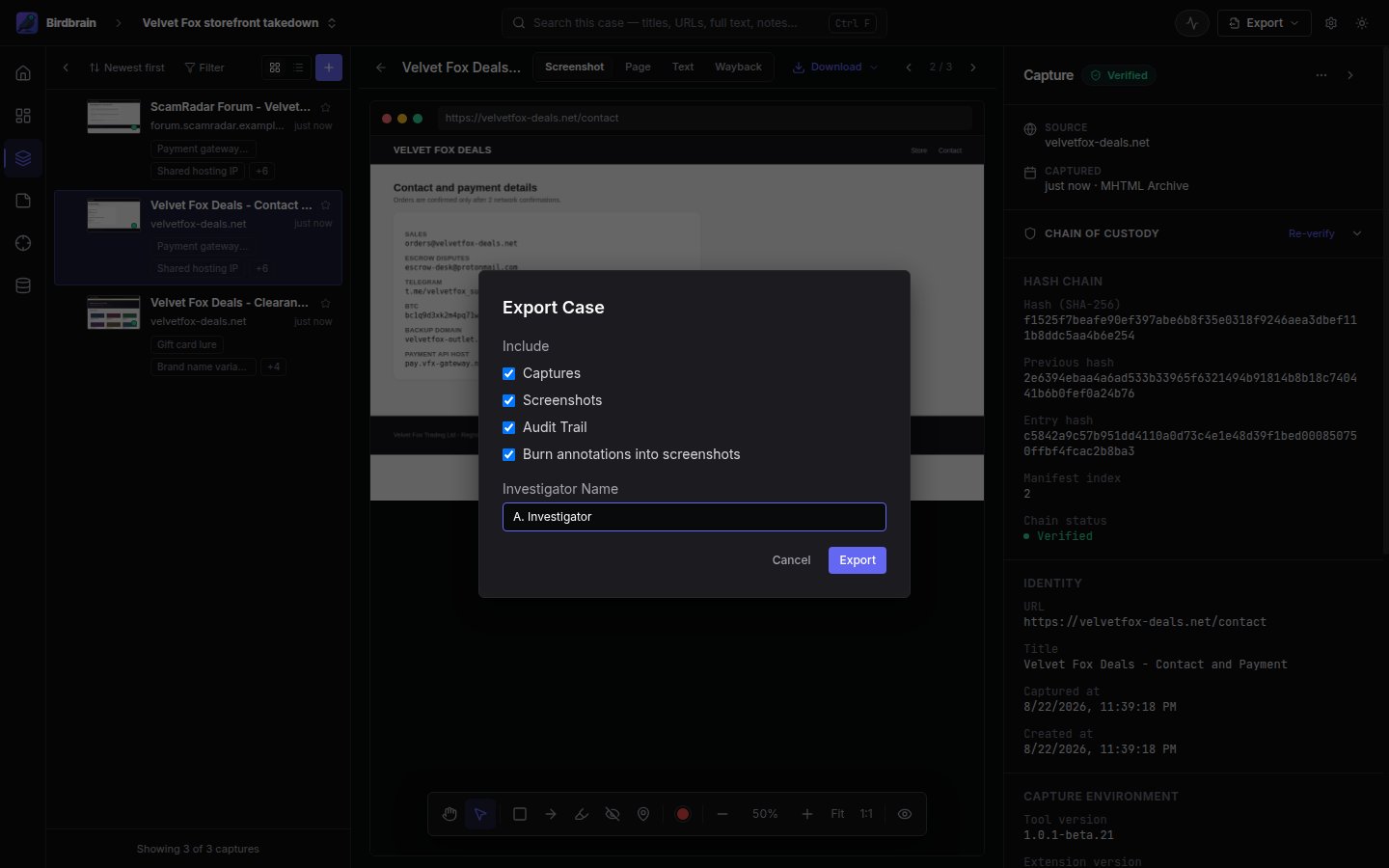
Exported report
A self-contained HTML report that any browser reads, checkable with the evidence package’s included runbook and standard tools, without Birdbrain installed.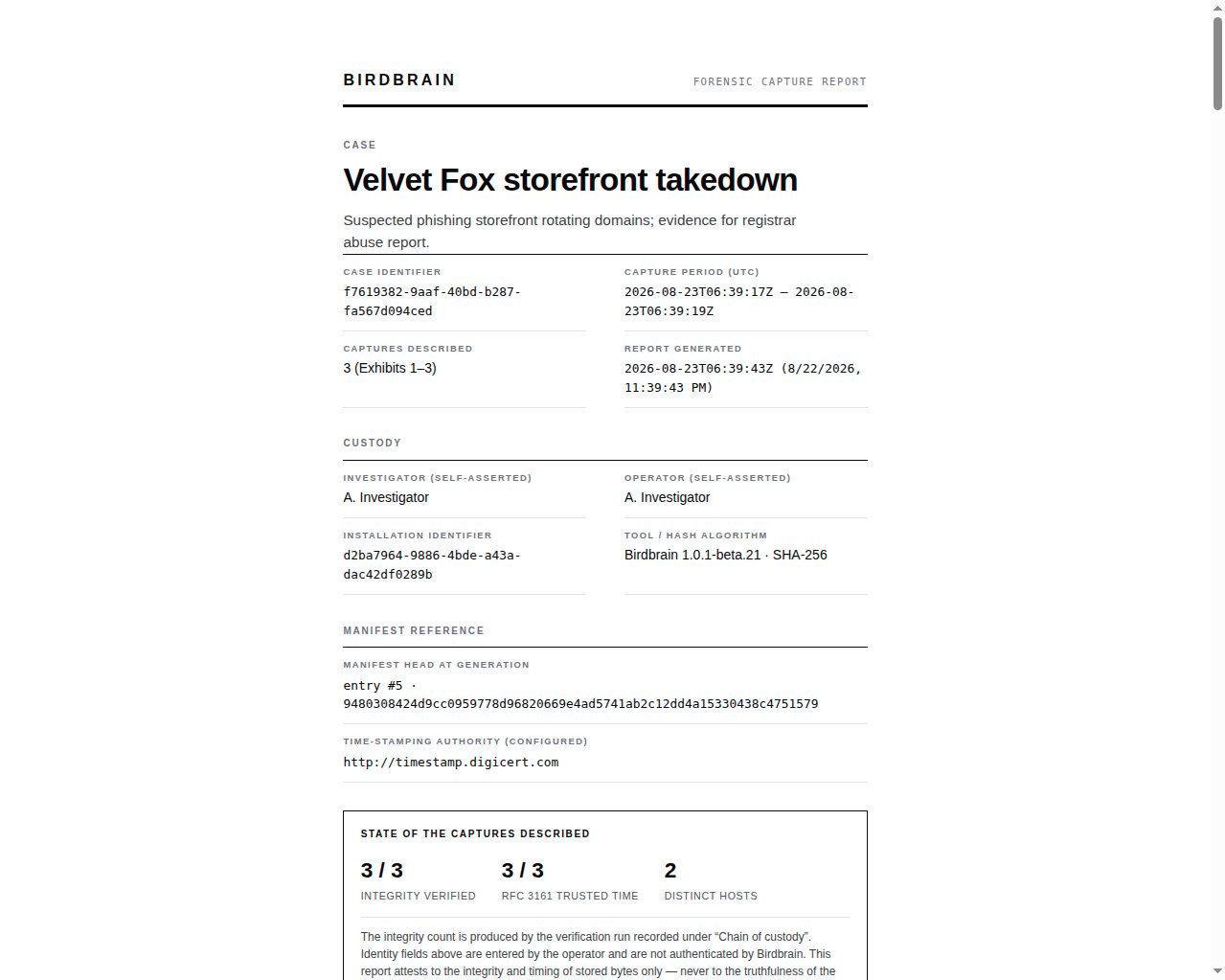
Settings
Capture preferences, storage, appearance, operator identity, database admin, and updates.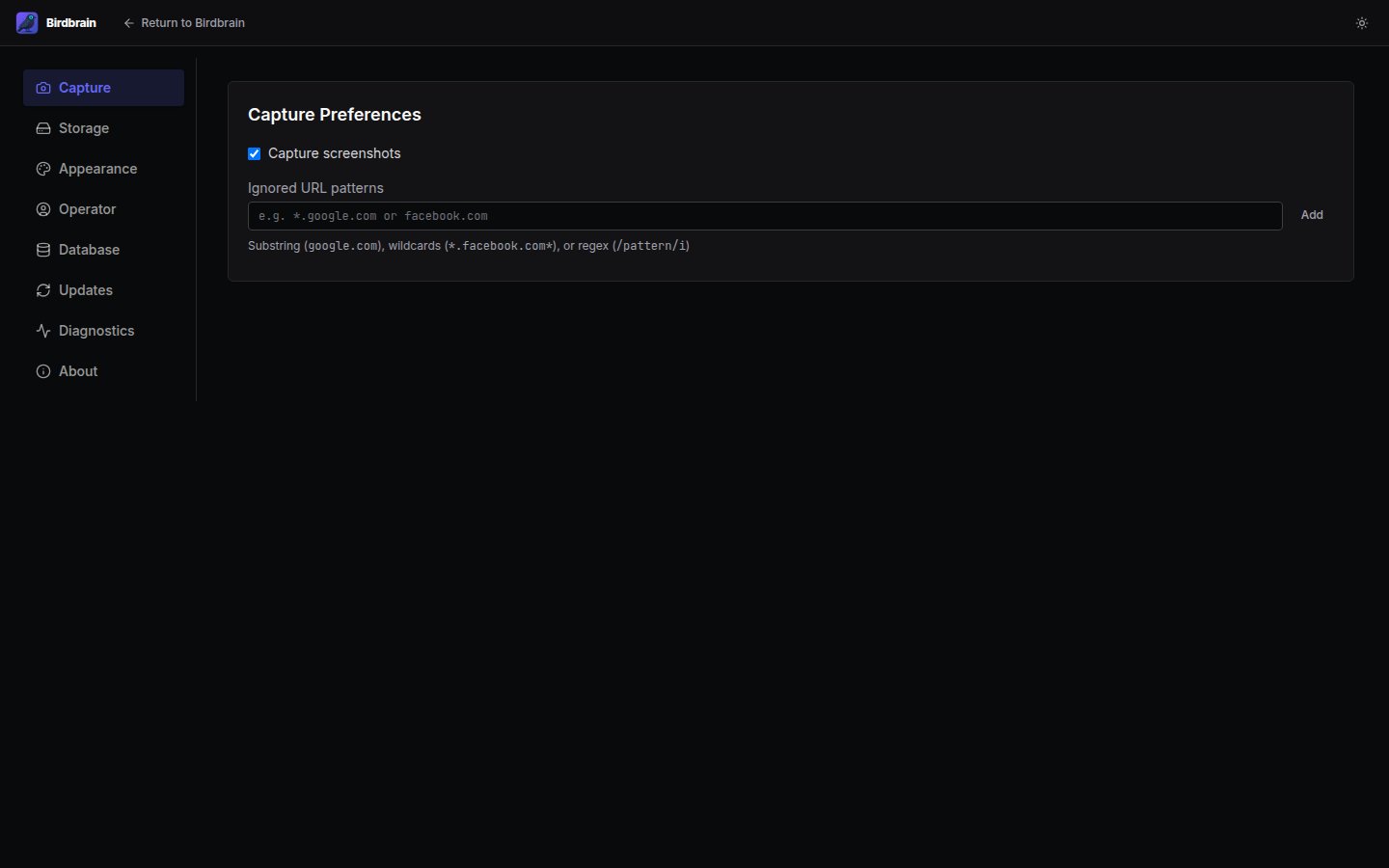
Regenerating this tour
The series comes from a Playwright script against the seeded demo case. Rebuild the app, then run from the repository root:test-results/readme/ with light and dark variants of every shot. The light variants are referenced directly; manually copy the dark variants (e.g., screenshot-case-dark.png) into website/content/images/ to update the dark-mode versions on the site.